Now & Next
The lesson you are in, the next one, its room and a countdown.
Students and teachers sign in with the login card their school gives them, and their own timetable is there — always up to date.
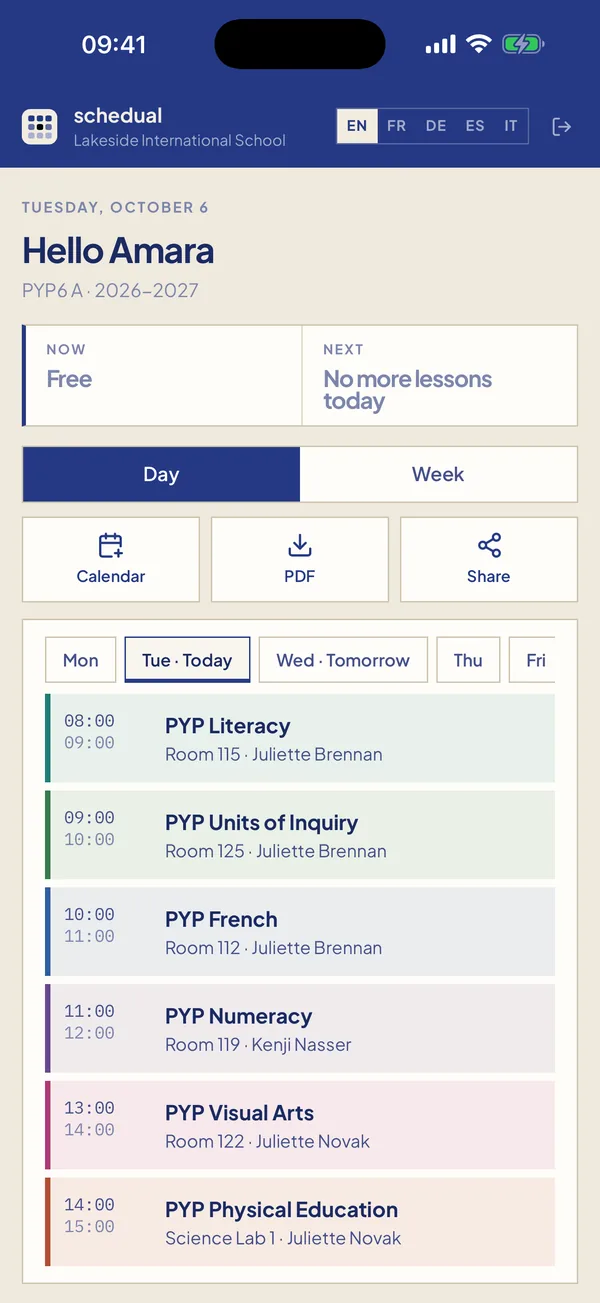
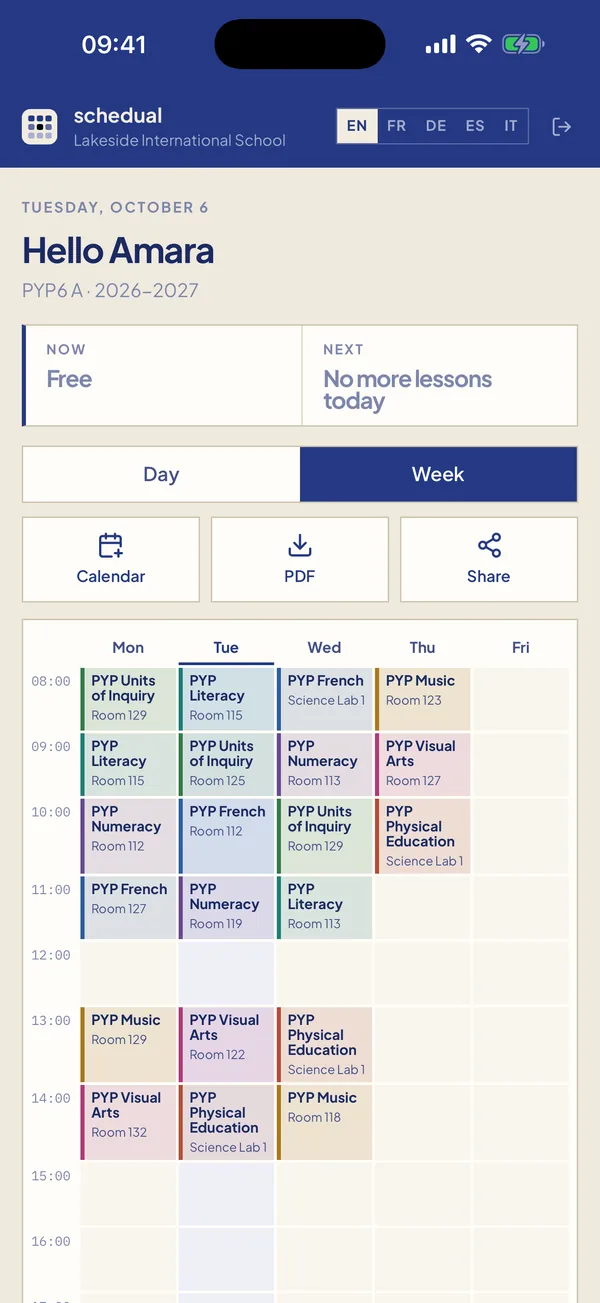
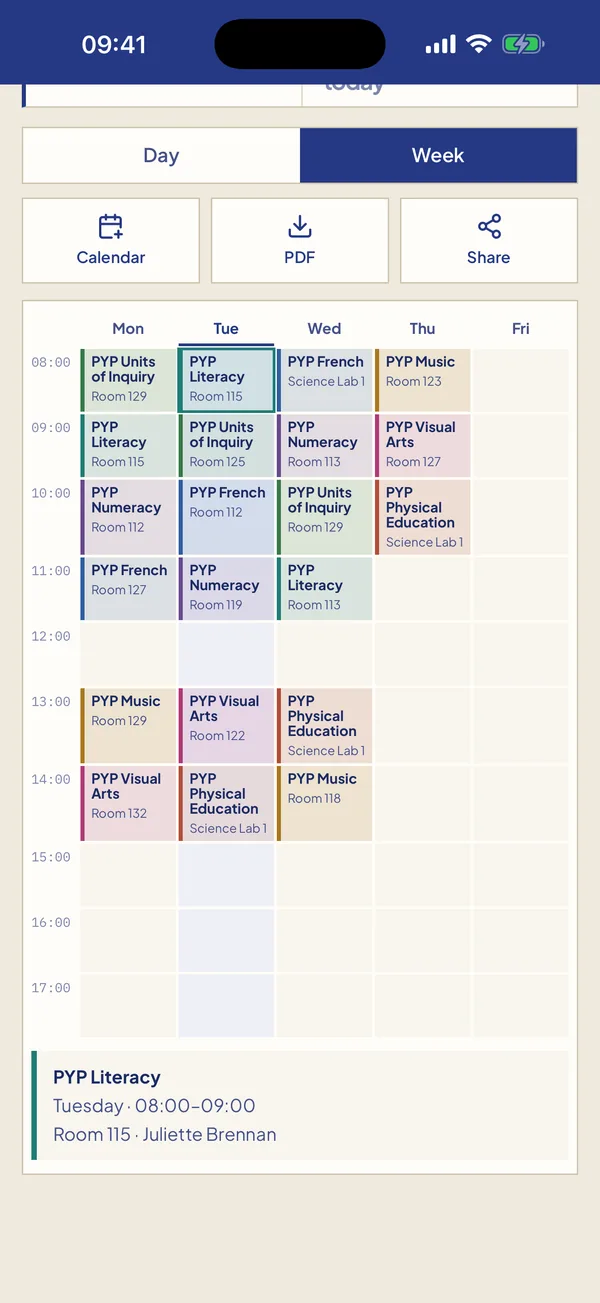
The lesson you are in, the next one, its room and a countdown.
Today in order, with breaks and lunch. Swipe to change day.
The whole week on one screen, each subject in its own colour.
Cover lessons and room changes appear as soon as the school publishes them.
Add your timetable to Apple, Google or Outlook calendar — it stays up to date.
Your last timetable stays available without a connection. English, French, German, Spanish, Italian.
Teachers see their teaching week, the class and room of every lesson, and the cover duties they have been given — on the same app, with their own login.
The app comes with every Schedual school — no extra licence, nothing to install on your side.